


Your AI agent,
now a designer
Marmo gives Claude Code, Codex, Cursor and Gemini CLI a real design system over MCP — component APIs, composition patterns, and your own tokens. Ship production dashboards and apps in minutes, in your style. No AI slop.
$ npx marmoui initPrompt in, screen out
Every piece traces back to your prompt
Watch the mapping: as each part of the screen lands, the phrase that asked for it lights up — and every block is a real, named @marmoui/ui component. That's the opposite of slop.
your agent · marmo-ui MCP connected
❯
dashboard · form · app shell
Revenue overview
ExportMRR
$48,210
+12.4%
Active customers
1,284
+4.1%
Churn
2.1%
-0.3%
This week
Real workflow: your agent asks the Marmo MCP for live component APIs and patterns, composes, and validates with review_generated_code before reporting done.
Prompt to production
Your agent stops guessing
Run npx marmoui init. It wires Claude Code, Codex, Cursor, Gemini CLI — whatever you use. From that moment your agent reads live component APIs, patterns, and generation rules instead of guessing from training data.
Ask for a settings page, a billing dashboard, an app shell. The agent composes actual @marmoui/ui components — DataTable, charts, forms — with real props pulled from the MCP. The code lands in your repo, ready to run.
Every generated file passes through the MCP review step: wrong imports, invented props, and broken compositions are caught and fixed by the agent before it reports done. That is the difference between generated and made.
No new tool to learn
Works where you already work
One command connects the agent you already use. Then just ask it to build.
Claude Code
Codex
Cursor
Gemini CLI
Windsurf
VS Code
Zed
Cline
$ npx marmoui initOn Claude Code, the marmo-ui plugin adds skills and slash commands on top — install guide.
Define your own style
Generated, but unmistakably yours
AI slop happens when a model improvises styling. Marmo removes the improvisation: your agent reads tokens and patterns from one source and every screen comes out consistent.
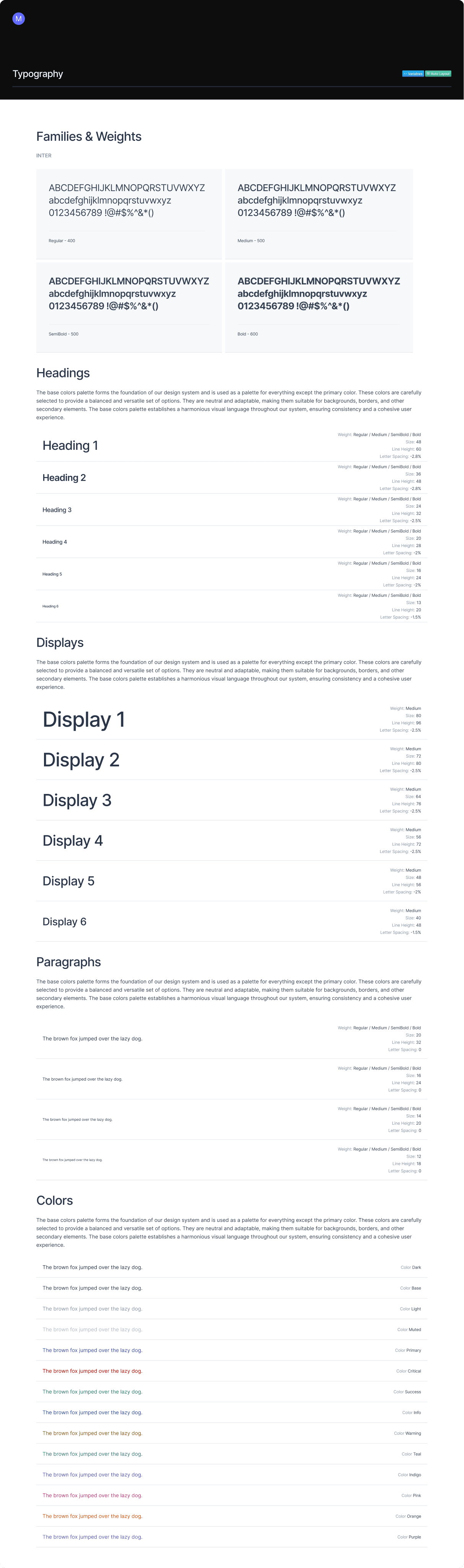
One set of foundations
Type, color, spacing, and elevation live as tokens — the base every component and every generated screen is built on.
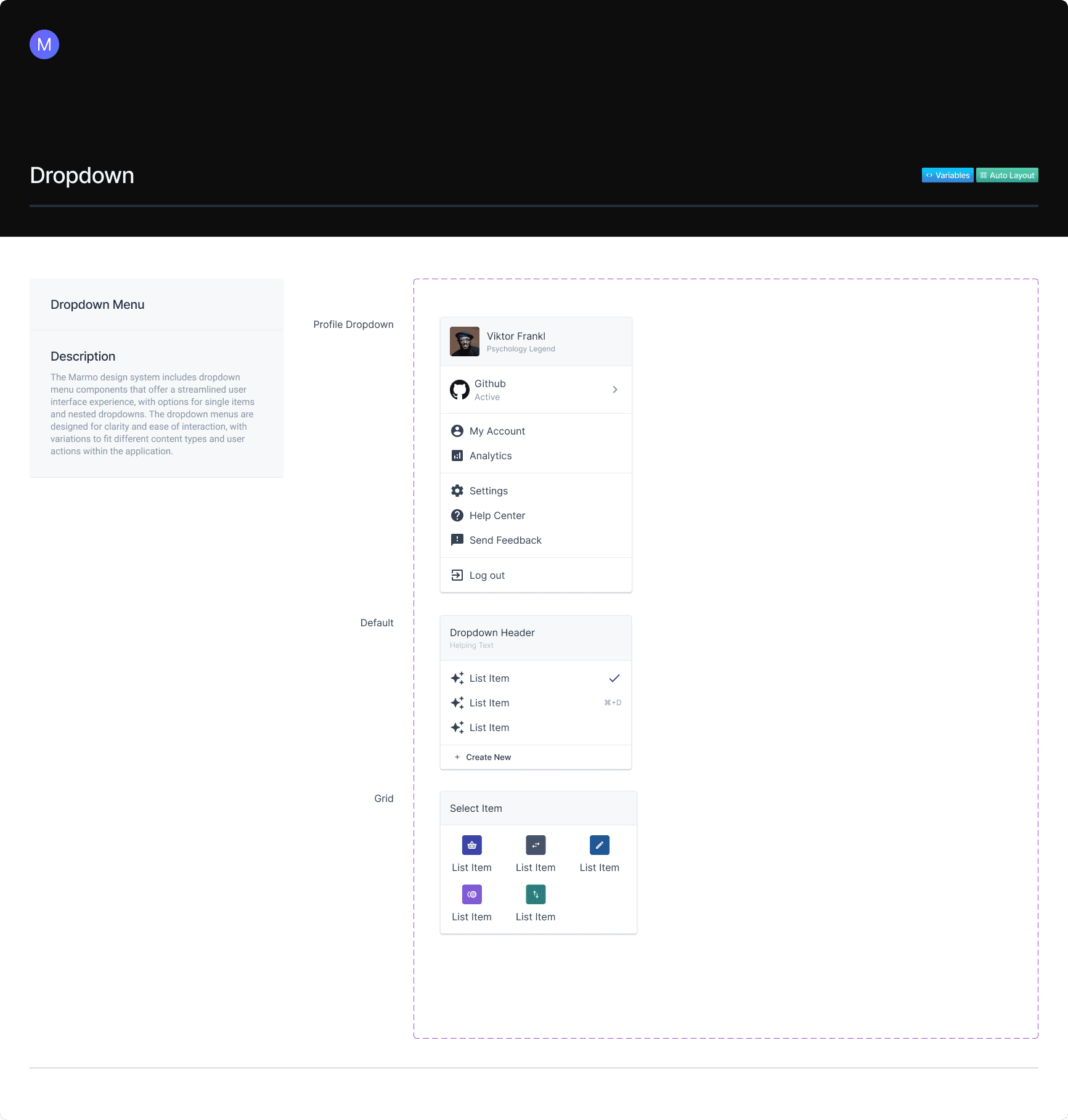
Your tokens, not template defaults
Swap a brand color or tighten spacing once. Every screen your agent generates from then on carries your style — in Figma and in React.
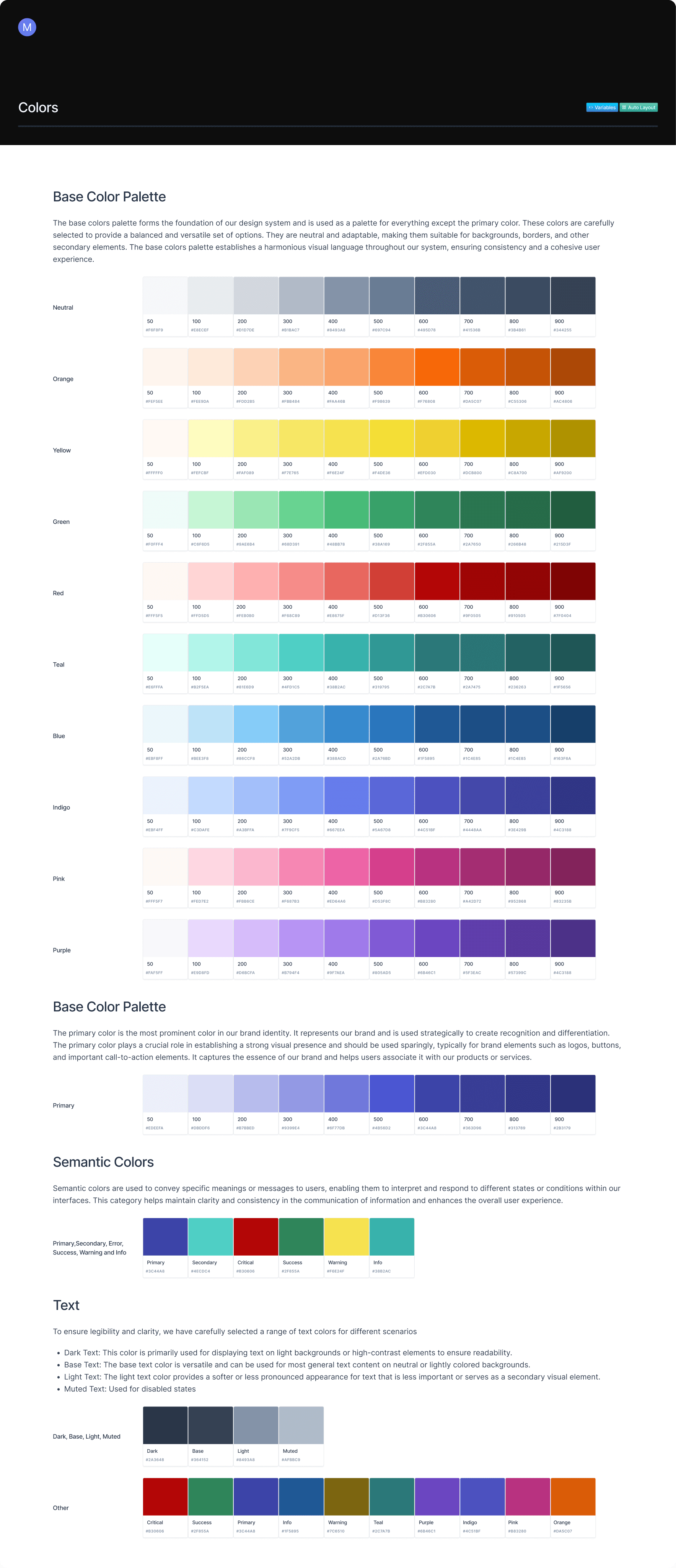
On-brand generation (Pro)
Feed the MCP your DESIGN.md — brand color, type, component inventory — and any connected agent generates UI that looks like yours, not like everyone else’s.
Built with Marmo
Full apps, same components
Mail, analytics, project tracking — complete screens assembled from the components on this page. No custom one-offs, nothing an agent couldn’t compose.
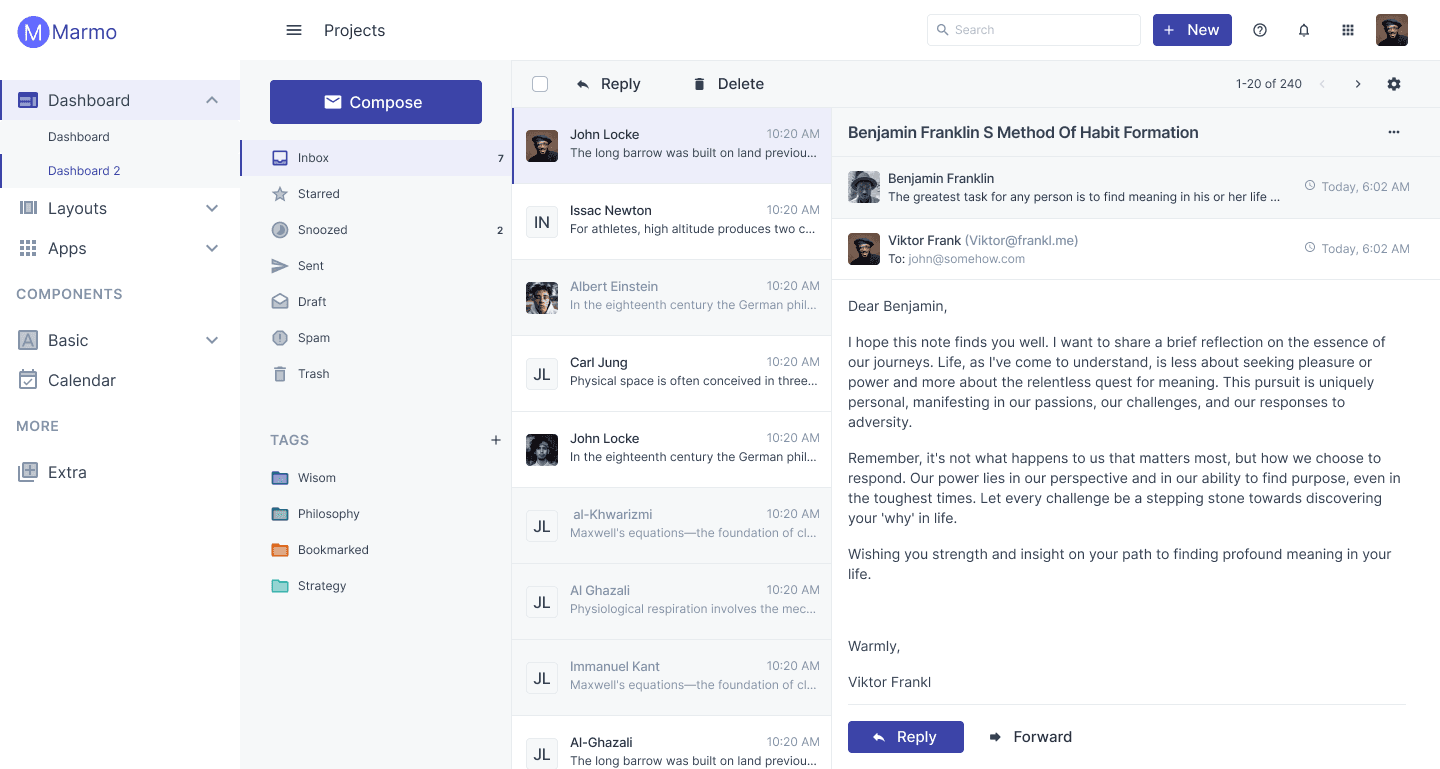
Mail App
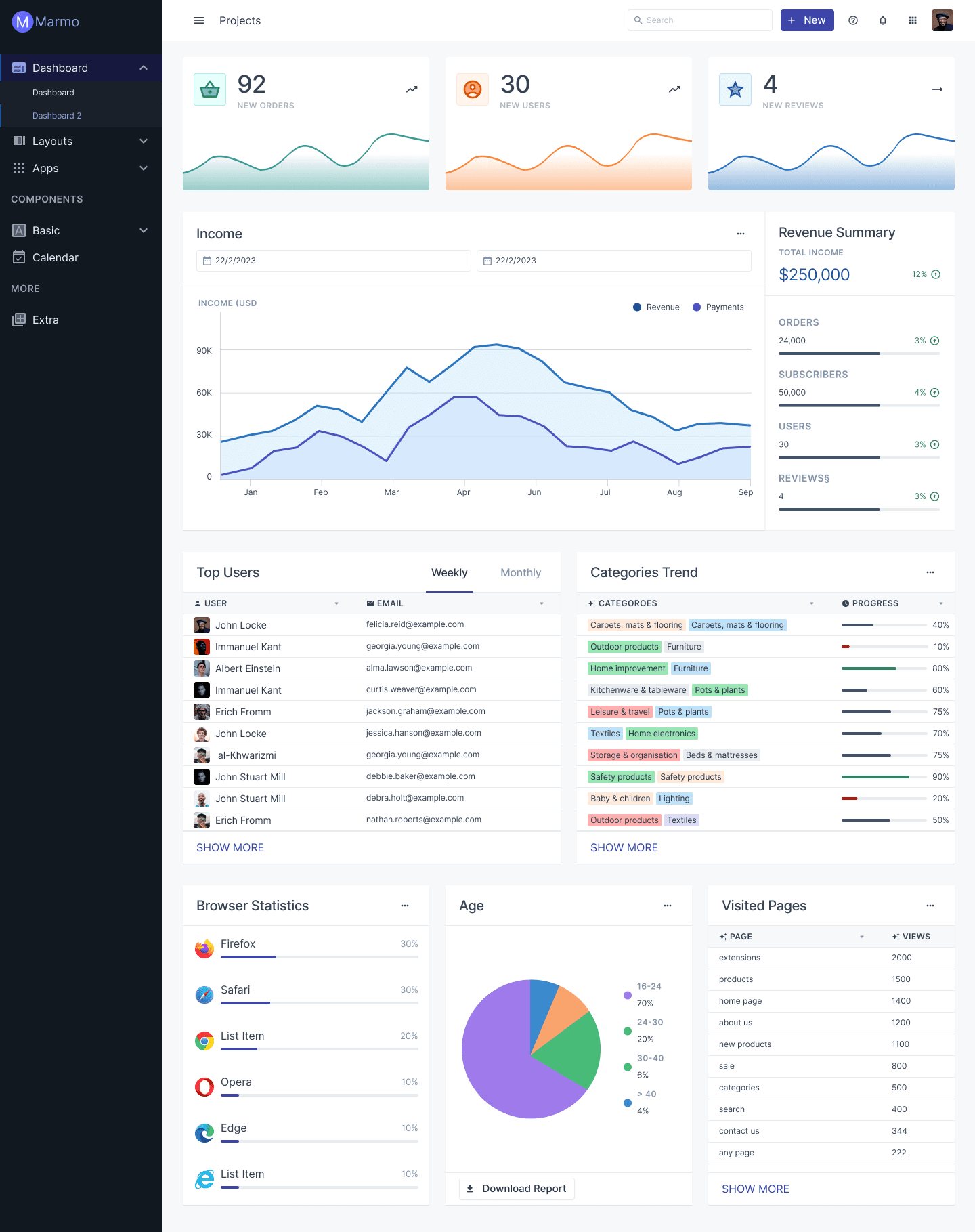
Dashboard
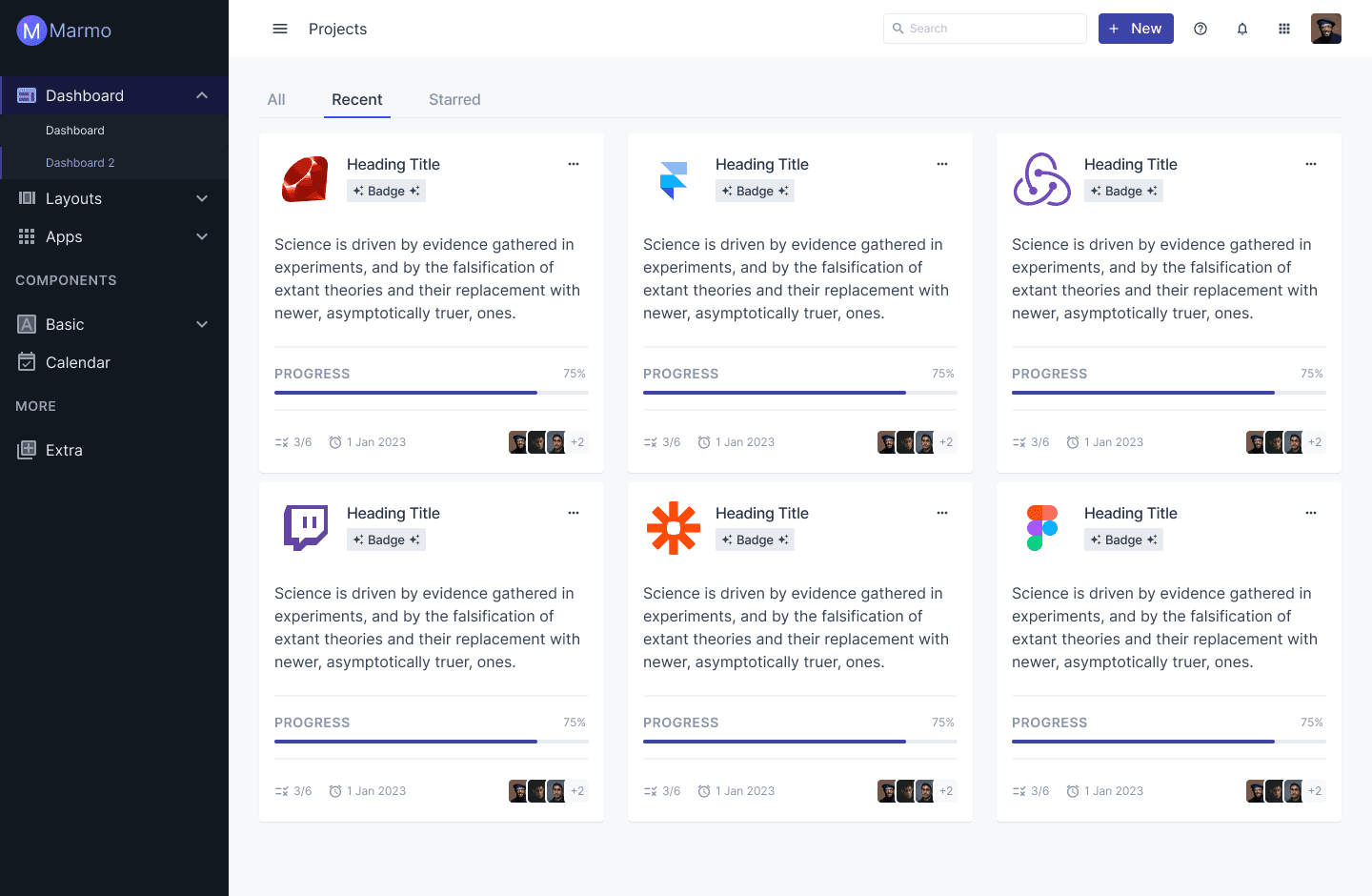
Projects
Pricing
Free to build. Pro to brand.
The components and the Core MCP are free, forever. Pro unlocks generation in your own style.
Free
Open-source components + Core MCP
$0
Start building- Every core component, MIT licensed
- Free Core MCP — connect any agent
- Component docs & patterns overview
- Light and dark mode
- Use on unlimited projects
Pro
Your brand, generated by any agent
$9.99per month · 14-day free trial
Start free trial- Everything in Free
- On-brand generation from your DESIGN.md
- Composition patterns library
- Pro blocks — generated into your repo
- Personal MCP token & dashboard
- Hosted design-system site in your tokens
Full plan details on the pricing page.